Everyone enters their universe
A bar at the top of the store offers « All » and your universes; customers pick theirs.
Powered by Navigation bar check_circle
 Universes
Split your catalogue into universes (Women, Men, Kids, Cat, Dog…): customers pick theirs and only see the products that concern them.
99 DH/ month
Create your store to install this offer.
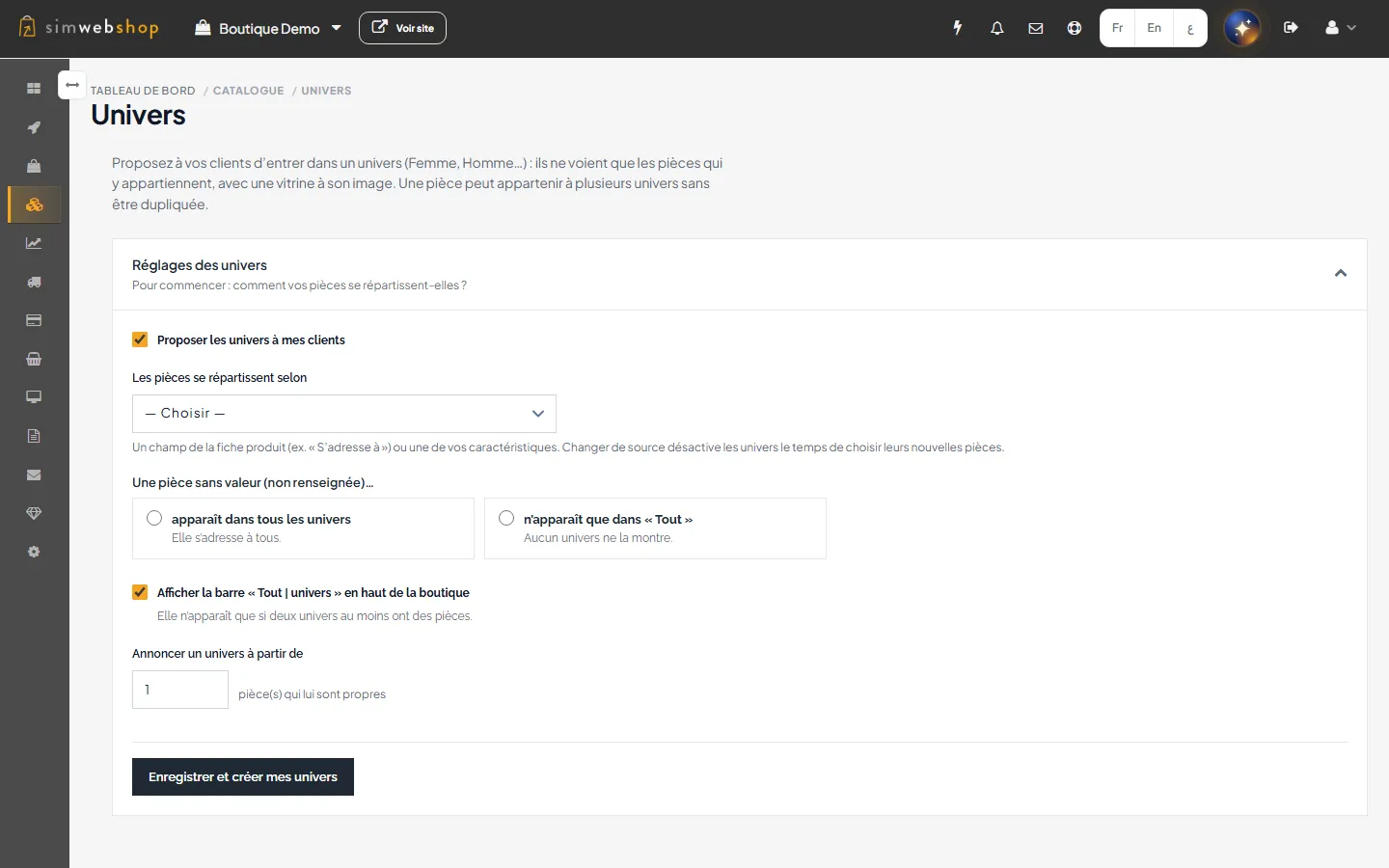
Set up the store's universes (interface in French)
When a store sells to several audiences, each one has to sort out what does not concern them. The busiest give up.
Universes show each customer their own aisle, without duplicating products.
A bar at the top of the store offers « All » and your universes; customers pick theirs.
Powered by Navigation bar check_circle
Listings, search, filters, suggestions and the offers page are limited to the chosen universe.
Powered by Filtered discovery check_circle
A product can belong to several universes and the cart stays shared.
Powered by Un produit dans plusieurs univers sans doublon, panier commun check_circle
Add Universes to your store from this page.
Classify products by the « Intended for » field or by a feature of your catalogue.
Give them a name in French, English and Arabic, then adapt each home page.
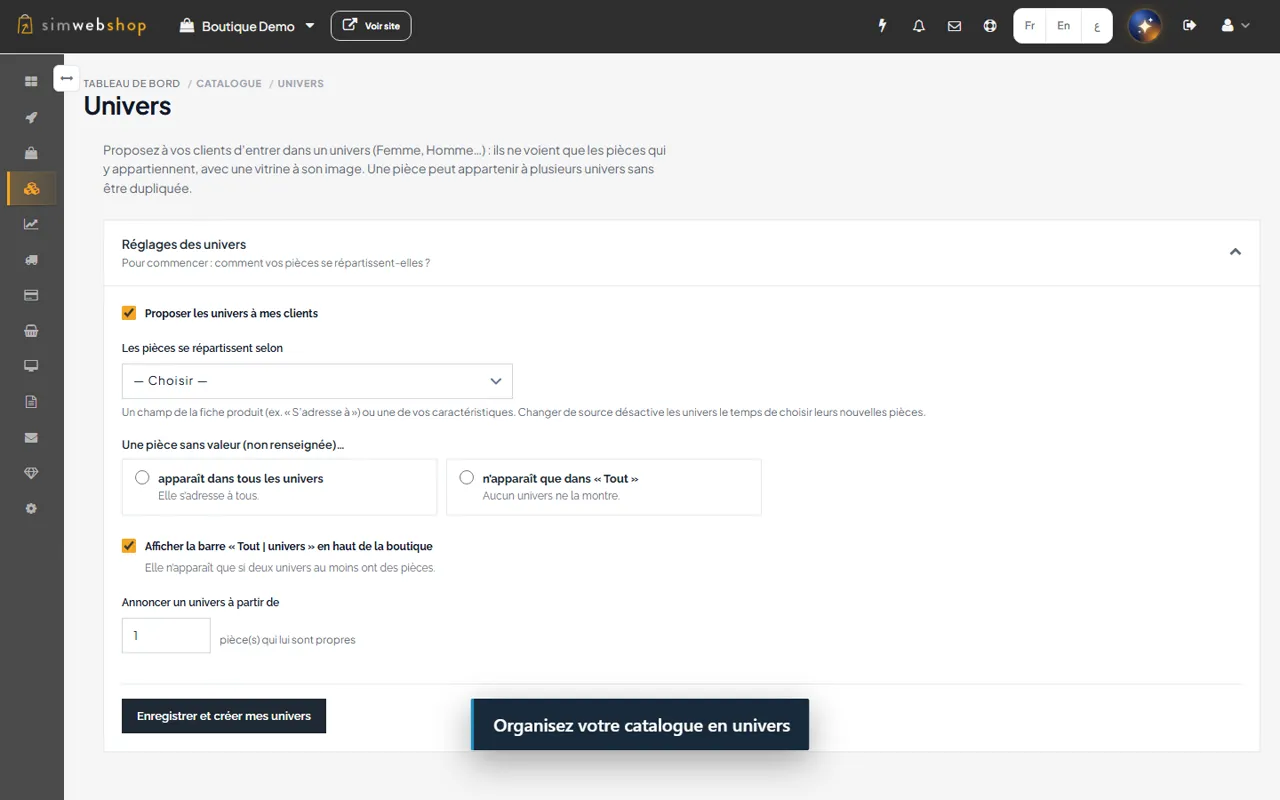
Recorded on a demonstration store (fictitious data). The captions in the video are in French.
All your universes and their state, clearly explained.
The « Intended for » field or a feature, values common to all universes and what happens to unfilled products.
Name in FR, EN and AR and a dedicated address for each universe.
Home images and texts adapted to the chosen universe.
The « All / universes » bar on V4 themes.
Listings, search, filters, autocomplete and offers limited to the universe.
Examples of use, given for illustration.

FashionExample
A ready-to-wear store separates its Women and Men collections.

Pet shopExample
Universes are built from an « Animal » feature.

ChildcareExample
One universe per age range, with an adapted home page.
Create your store to install this offer.
The extension costs 99 DH per month.
The universe bar and per-universe home pages rely on SimWebShop V4 themes.
The bar appears as soon as at least two universes have their own products.
No. Universes organise discovery; a product page stays reachable by its address.
Your store stays as it is for customers; you can no longer edit universes until the extension is reactivated.
 Loyalty & rewardsGive your customers a good reason to come back.
arrow_forward
 Customer reviewsShow how satisfied customers are, and win back the unhappy ones.
arrow_forward
 Advanced newsletterL'Infolettre Avancée est l'abonnement idéal pour ceux qui souhaitent aller plus loin dans leur domaine. Conçue
arrow_forward
Turn on Universes and organise your catalogue by audience, without duplicating products.
Create your store to install this offer.