Plans built from your catalogue
Build a plan with the products you already sell, then set its price and rhythm. No product page to recreate.
Powered by Plans made of your products check_circle
 Subscriptions
Offer your products as a recurring plan. Customers subscribe from your store, and every paid due date becomes an order you prepare as usual.
99 DH/ month
Create your store to install this offer.
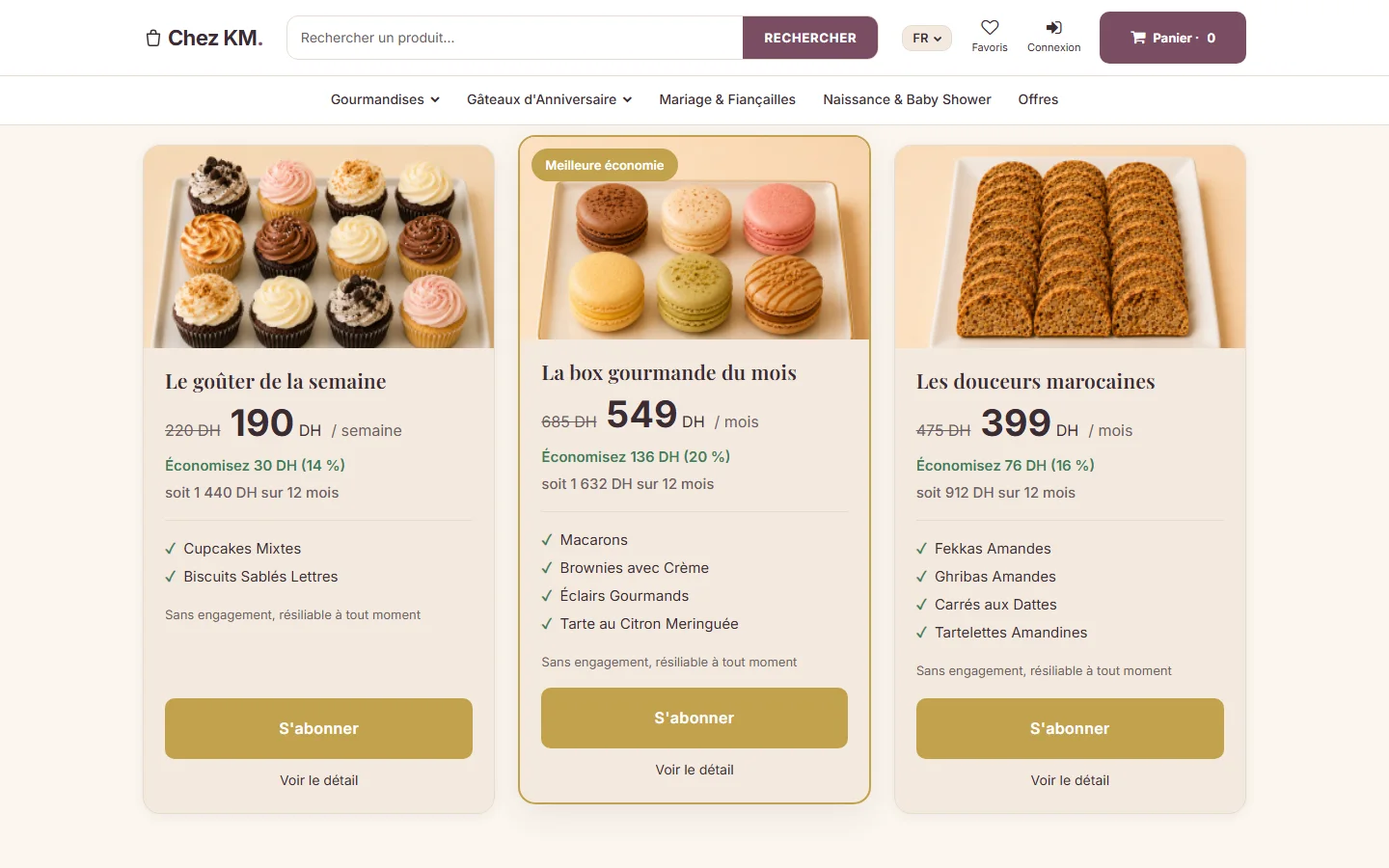
Your plans, with the value they represent (interface in French)
Your best customers buy the same products month after month. But as long as each purchase depends on a new visit, nothing guarantees they will come back at the right time, or to you.
A subscription plan saves them from having to think about it, and gives you visibility on the months ahead.
Build a plan with the products you already sell, then set its price and rhythm. No product page to recreate.
Powered by Plans made of your products check_circle
Customers subscribe from the plan page and go through your usual cart and payment. Every paid due date creates a normal order: stock, shipping and invoice follow.
Powered by Plan page and checkout check_circle
Estimated recurring revenue, active subscribers, upcoming and overdue payments: you know where you stand and whom to follow up.
Powered by Subscriber overview check_circle
Add Subscriptions to your store from this page. It is active as soon as your order payment is confirmed.
In Catalogue › Offers, choose « Subscription »: name, rhythm, included products, price and presentation.
The plan gets its own page in your store. Share the link: customers subscribe in a few clicks.
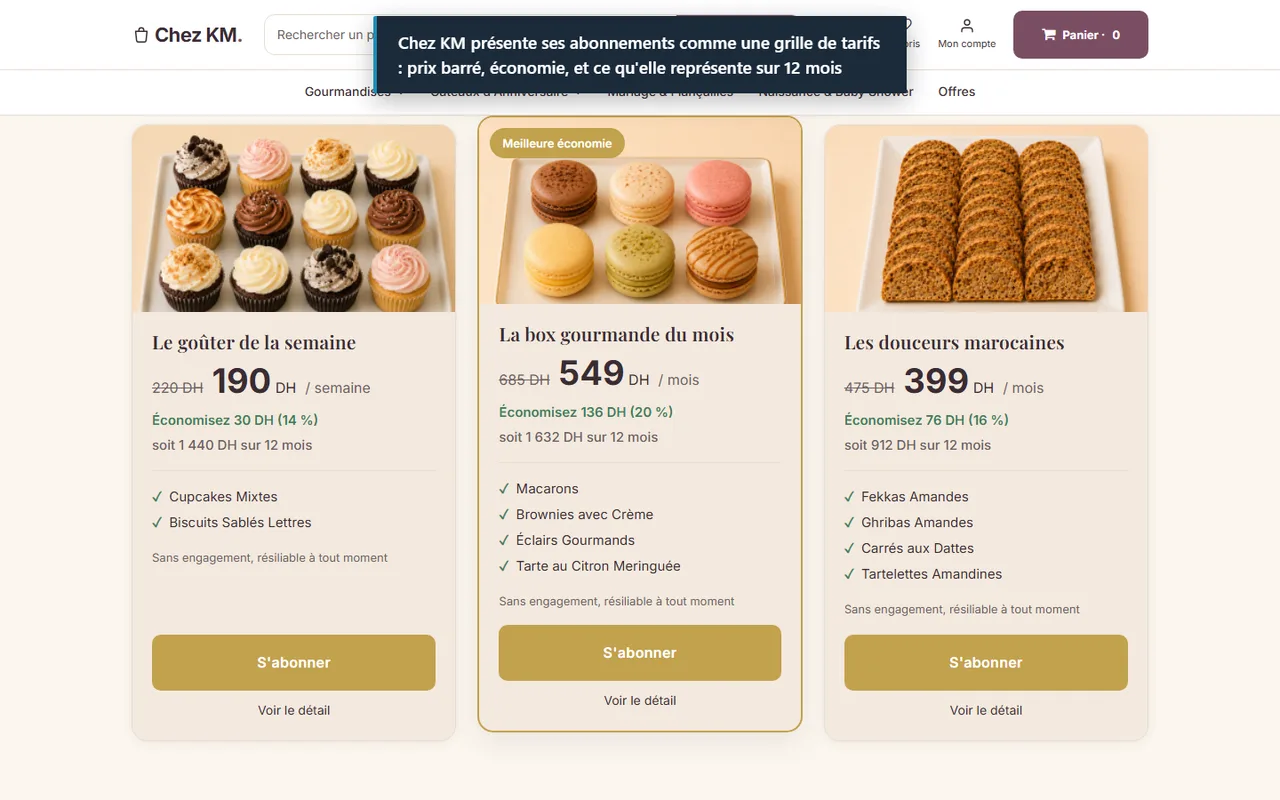
Recorded on a real SimWebShop store (Chez KM, real products and prices) with a fictitious customer. The captions in the video are in French.
A plan groups one or more products from your store, with its own name, description and images.
Every week, month, year or every N: you set the frequency, then an open-ended length or a number of payments.
Every published plan has its page in your store, with a « Subscribe » button that fills the cart and uses your usual payment.
A few days before the date, the next payment is prepared and your customer receives an email with a « Pay now » link.
Subscribers find their subscriptions: what they subscribed to, due dates, paying a due date. They can postpone a payment, skip one or cancel at the end of the period.
Price and content are recorded when the customer subscribes. If you change the plan later, existing subscribers keep their terms.
Estimated recurring revenue, number of subscribers, payments due in the next 60 days and overdue payments, with a page for each subscriber.
From the list of due dates, you resend a reminder to a subscriber in one click.
Examples of use, given for illustration.
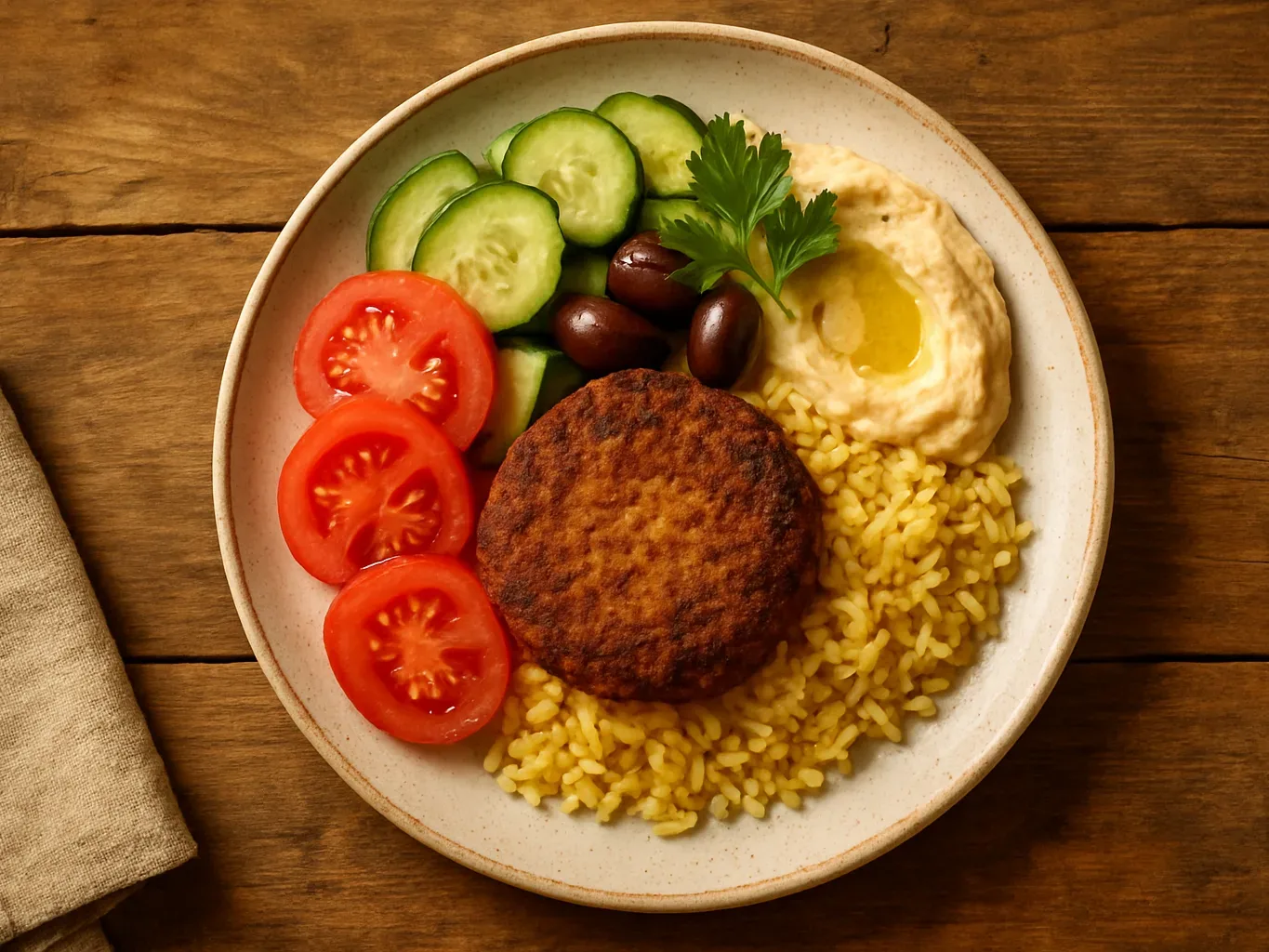
FoodExample
A roaster offers a bag of coffee every month to its regular customers.

CosmeticsExample
A skincare brand ships its cream refill every two months, with no end date.

CraftsExample
A workshop puts together a candle box each season: every three months, over four payments.

DelicatessenExample
A grocer prepares a weekly basket of staples for neighbourhood customers.
Create your store to install this offer.
On this page, click the install button and choose your store. The extension is activated as soon as your order payment is confirmed.
The extension costs 99 DH per month. You pay it when you place your order, through the SimWebShop checkout.
No. Before each due date, your customer receives a reminder with a link to pay, using your store's payment methods. The subscription starts, then renews, when the order payment is confirmed.
Yes, from the offer editor. Customers who already subscribed keep the price and content they signed up for.
Your plans, subscribers and settings are kept. Until it is reactivated, plan pages are no longer visible to your customers and due-date reminders stop.
Contact the SimWebShop team from the support section of your admin: stopping is not yet available as self-service.
Turn on Subscriptions and create a plan from the products you already sell.
Create your store to install this offer.