A clean quote in minutes
Products, packs and free lines, discount per line or on the total, from your catalogue.
Powered by Quote editor check_circle
 Quotes
Prepare a quote from your catalogue, send it by link or WhatsApp, and turn it into an order when your customer accepts it online.
79 DH/ month
Create your store to install this offer.
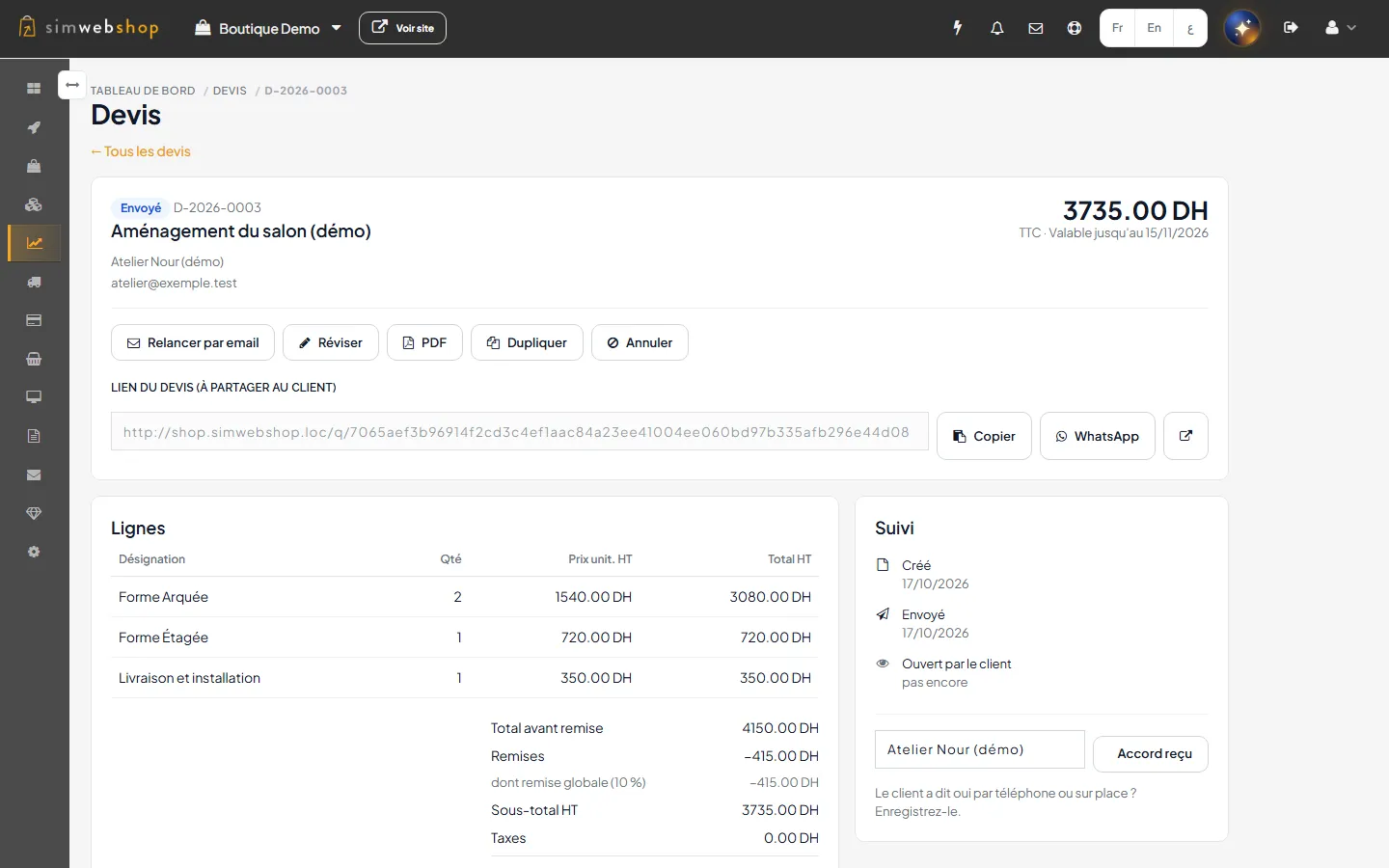
A quote: lines, global discount, link to share (interface in French)
A spreadsheet, a PDF sent in a hurry, an answer by message: follow-up scatters and the order must be retyped at the end.
With Quotes, everything starts from your catalogue and ends as an order.
Products, packs and free lines, discount per line or on the total, from your catalogue.
Powered by Quote editor check_circle
They view the quote on their page, download it, accept or decline it; you are notified.
Powered by Customer page check_circle
An accepted quote becomes an order at the agreed price, nothing to retype.
Powered by Conversion to order check_circle
Add Quotes to your store from this page (included if you have RevOps).
Pick the customer, add products, packs or free lines, set your discounts.
Share the link by email or WhatsApp; on acceptance, create the order.
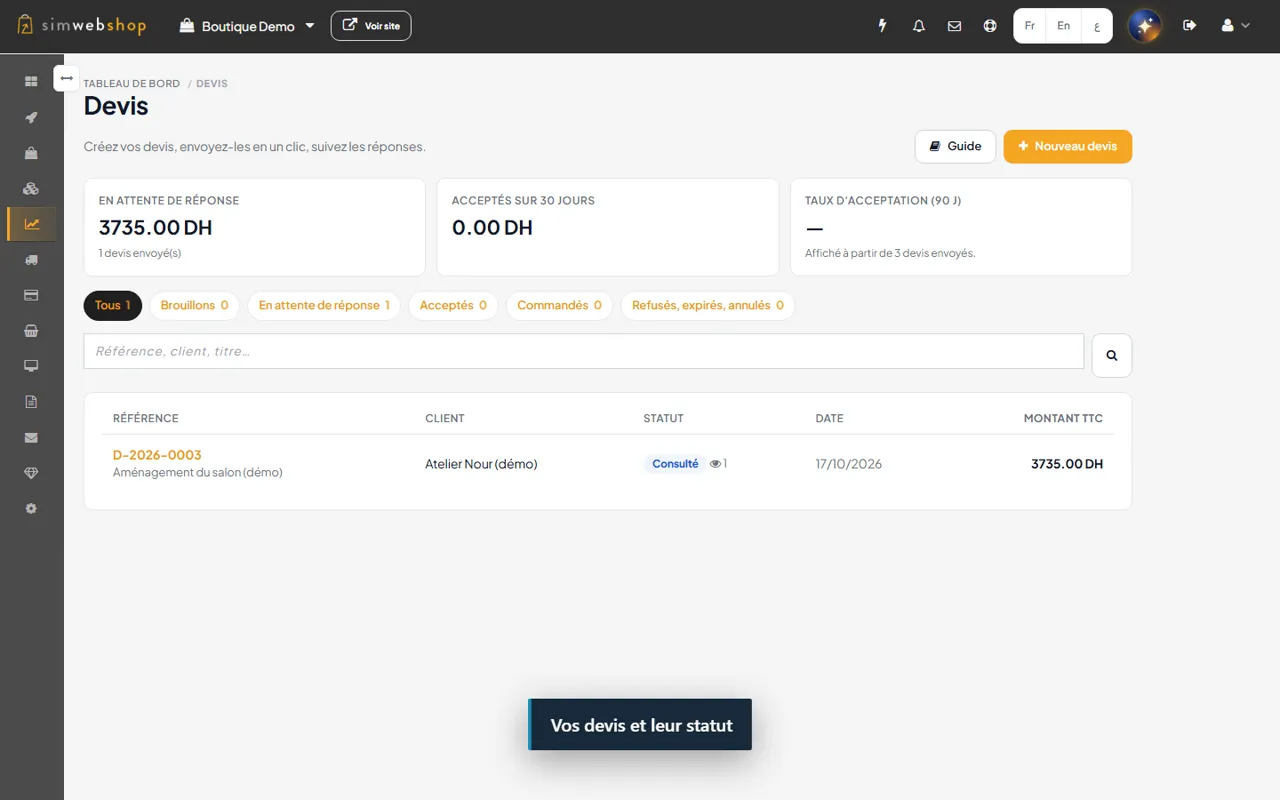
Recorded on a demonstration store (fictitious data). The captions in the video are in French.
Products, packs, free lines, discount per line and global discount.
The customer receives a link to the quote by email, or you share it on WhatsApp.
A PDF version to download or forward.
The customer views, downloads, accepts or declines the quote.
An accepted quote becomes an order at the quoted price.
For a quote with free lines, attach the order created separately.
Start again from an existing quote.
Examples of use, given for illustration.

CarpentryExample
A craftsman sends a custom quote; the customer accepts it online and the order follows.

WholesaleExample
A wholesaler prepares a quote of packs with a global discount.

CateringExample
An event quote goes out on WhatsApp, the PDF follows for accounting.
Create your store to install this offer.
User guideThe extension costs 79 DH per month. It is included if your store has RevOps.
No. You can resend the quote at any time; there is no automatic reminder.
The email contains a link to the quote; the PDF is downloaded from the quote page.
A quote made of products converts directly, if stock allows. With free lines, you attach an order created separately.
Quote screens and the customer page are no longer available. Your quotes and the orders already created are kept.
Turn on Quotes and go from quote to order without retyping.
Create your store to install this offer.